
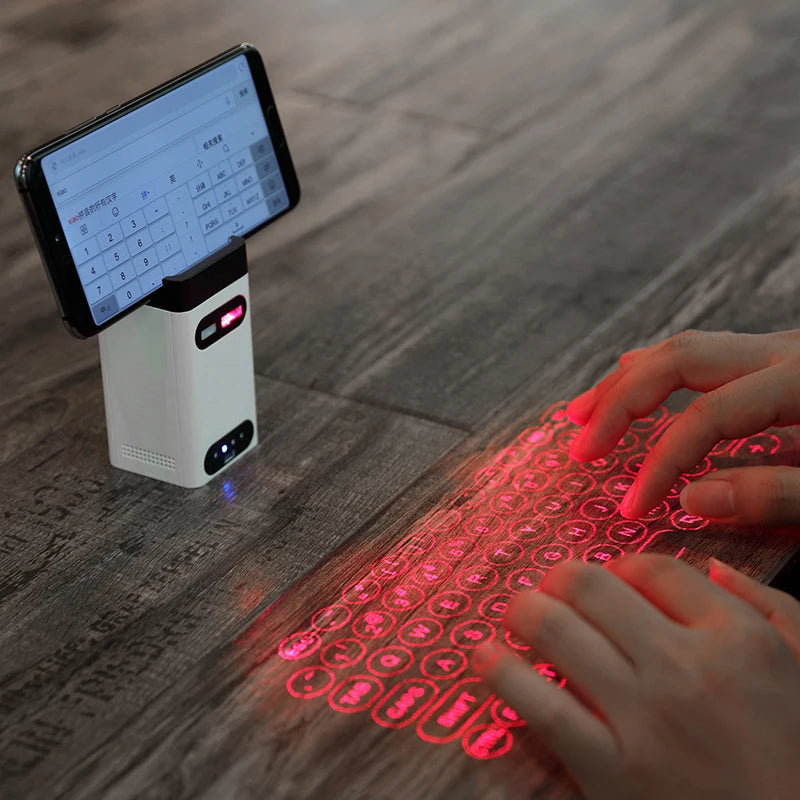
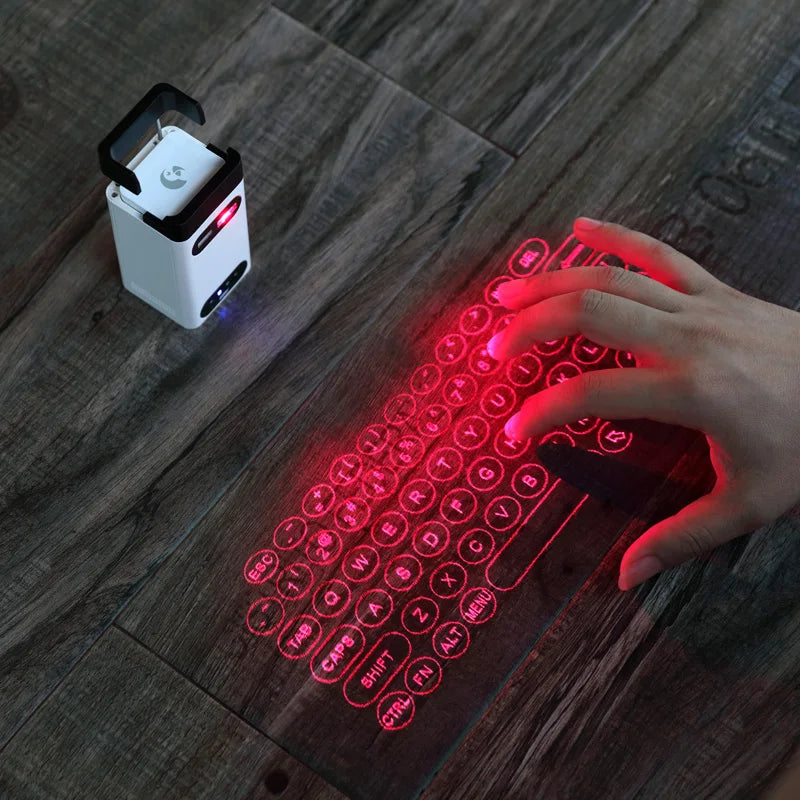
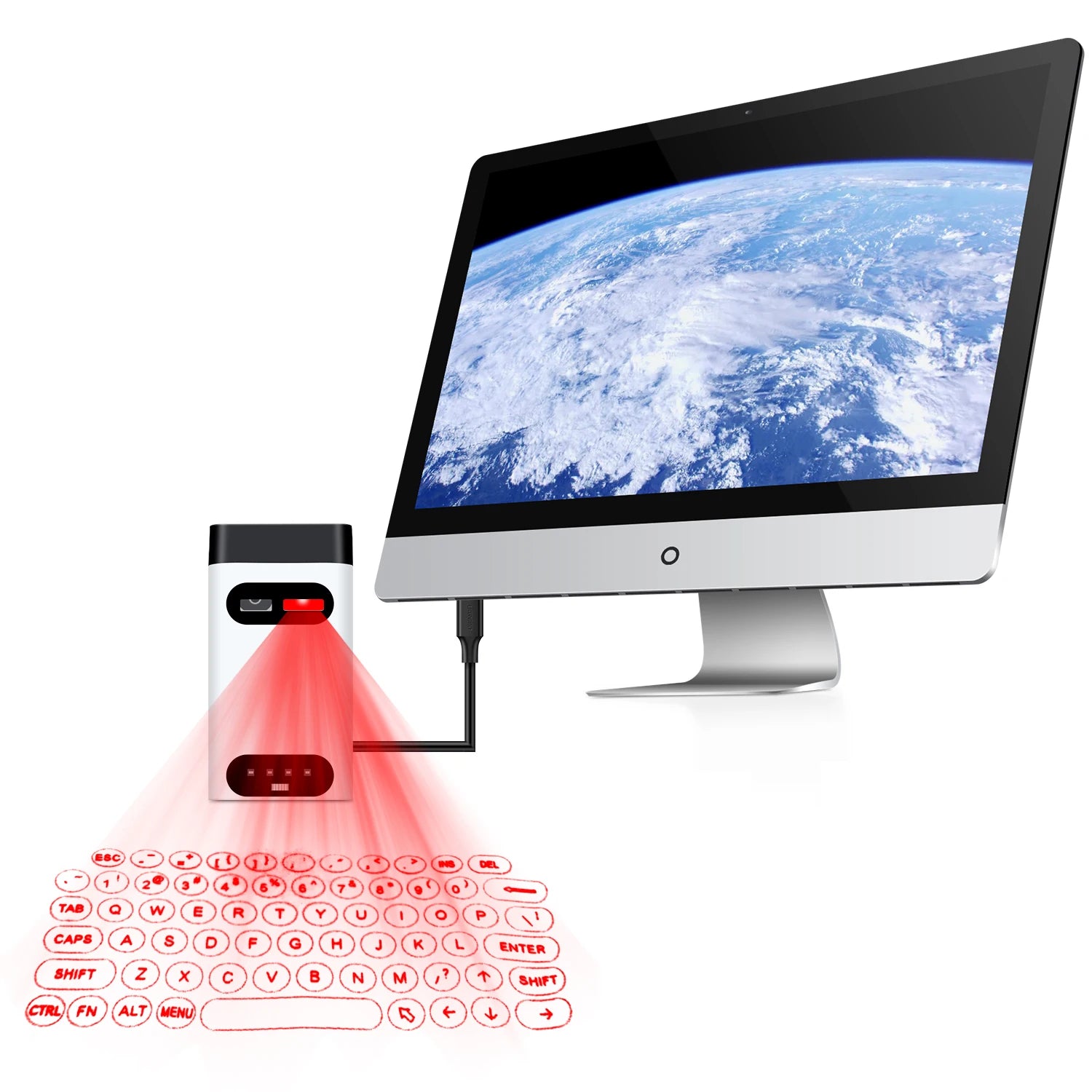
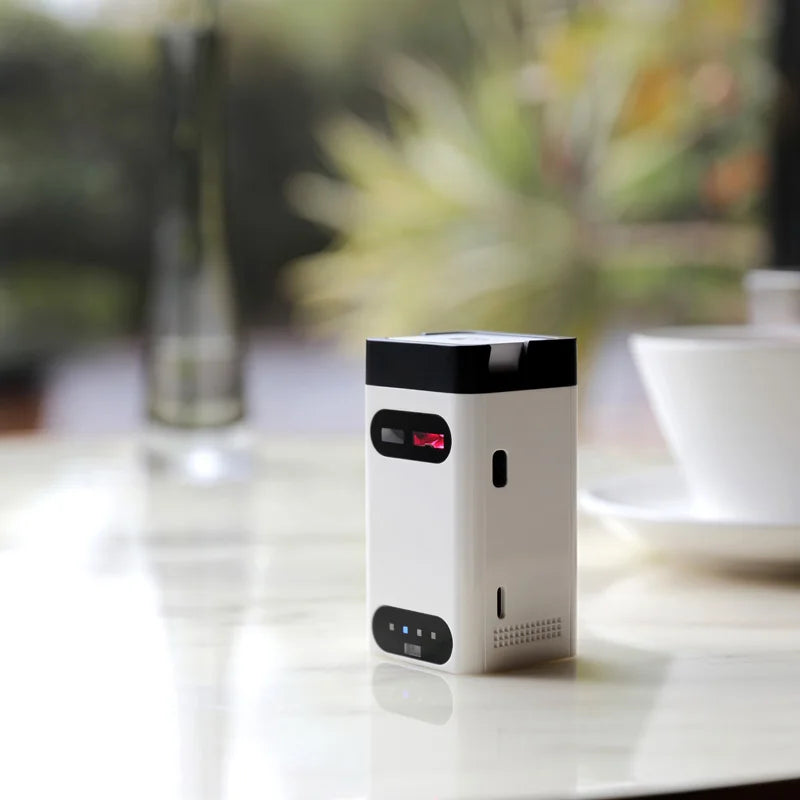
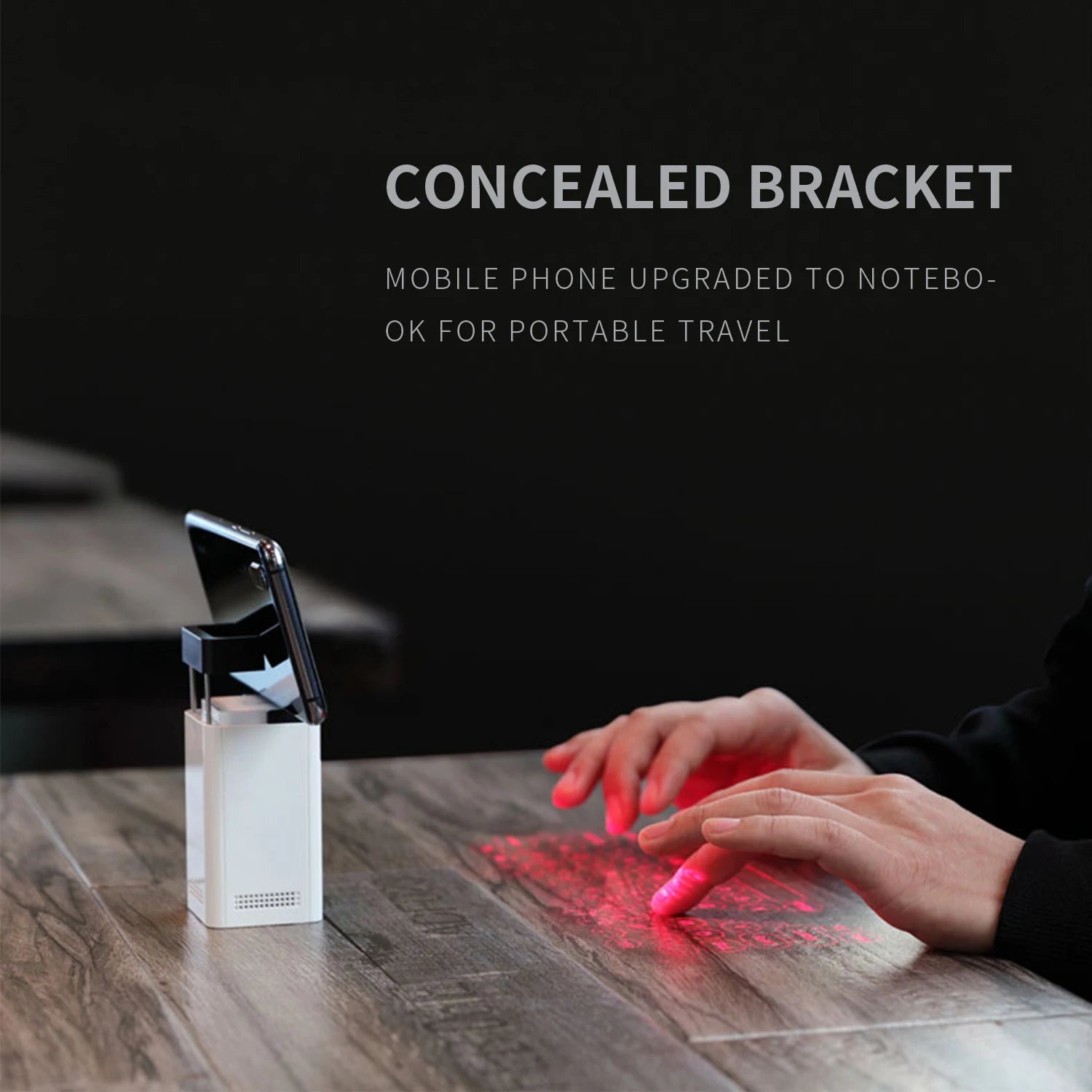
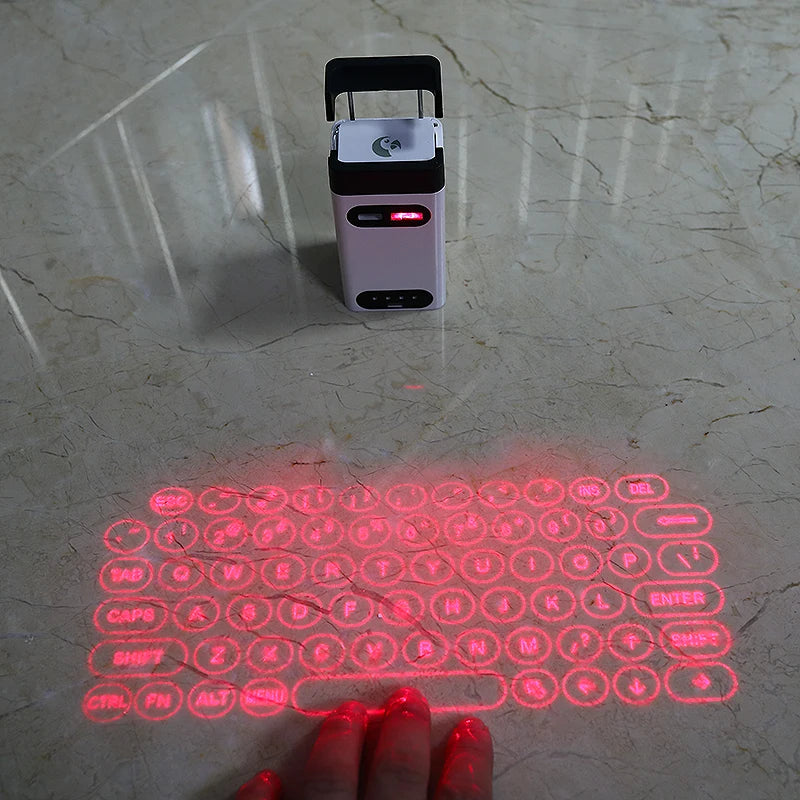
Mini Wireless Laser Projection Keyboard Bluetooth Virtual Keyboard & Mouse function for Laptop Smartphone Keyboard Projector
SPECIFICATIONS
Application: Desktop,Laptop,Number,Tablet
Axis Body Brand: NONE
Backlight Type: monochrome
Battery Included: Yes
Certification: CE
Full Size keyboard: No
High-concerned chemical: None
Interface Type: USB
Keyboard Standard: Mini Keyboard
Keyboard for smartphone: keyboard for tablet
Keycup material: Abs plastic
Keycup printing: Other
Language: English
Mini Keyboard: Wireless Keyboard
Operation Style: Capacitive
Package: Yes
Project keyboard: virtual laser keyboard
Style: Standard
Switches Hot swap: no
Type: Virtual Keyboard
Wrist Support: No
laser projector keyboard: keyboard Projector
virtual keyboard: LASER KEYBOARD
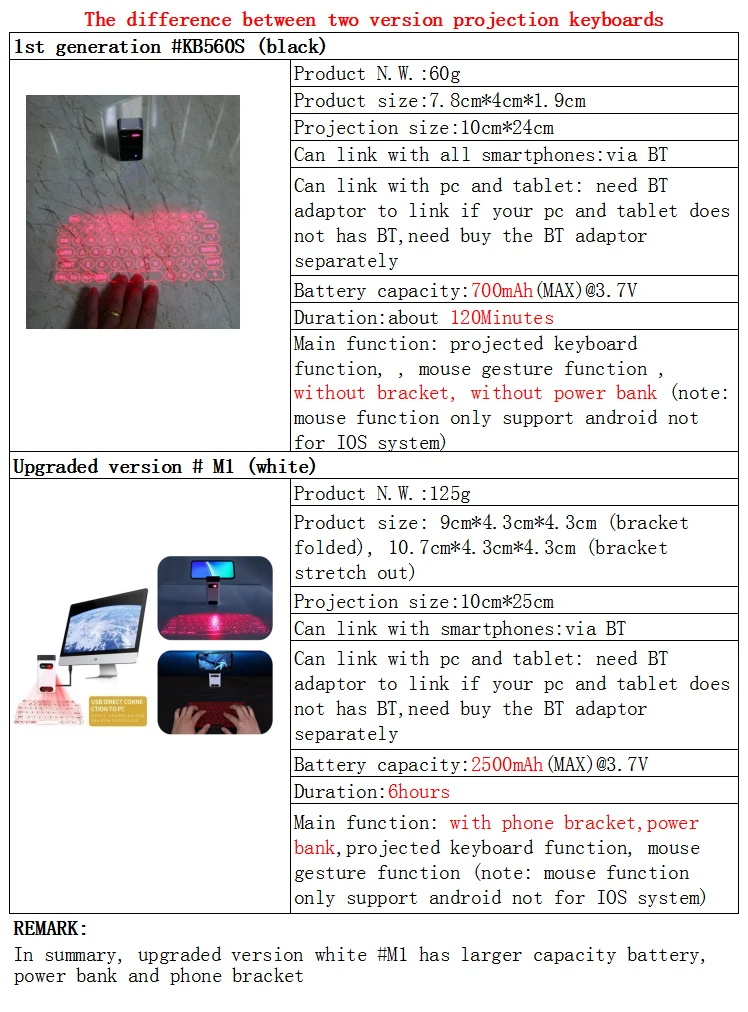
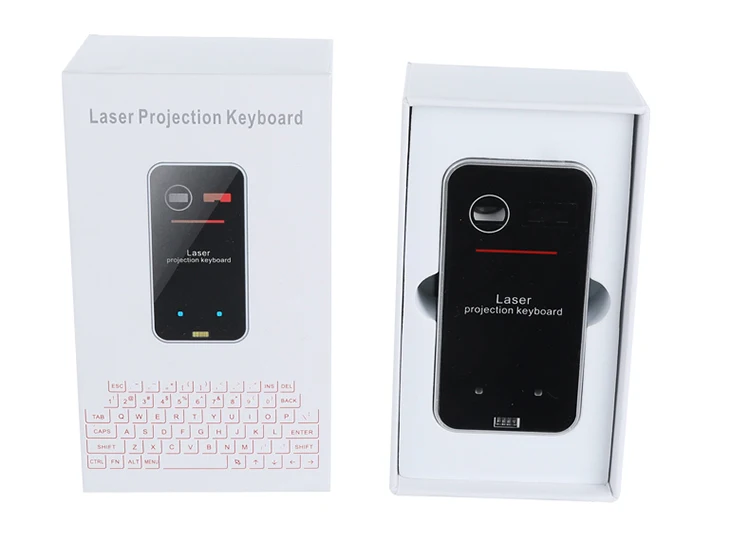
There are two laser keyboards in this link:
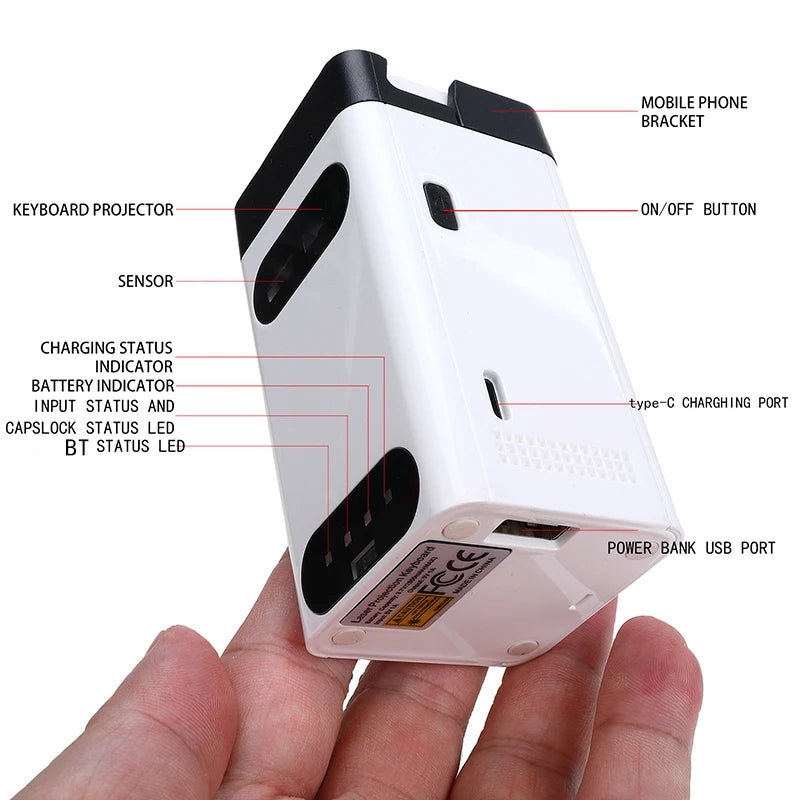
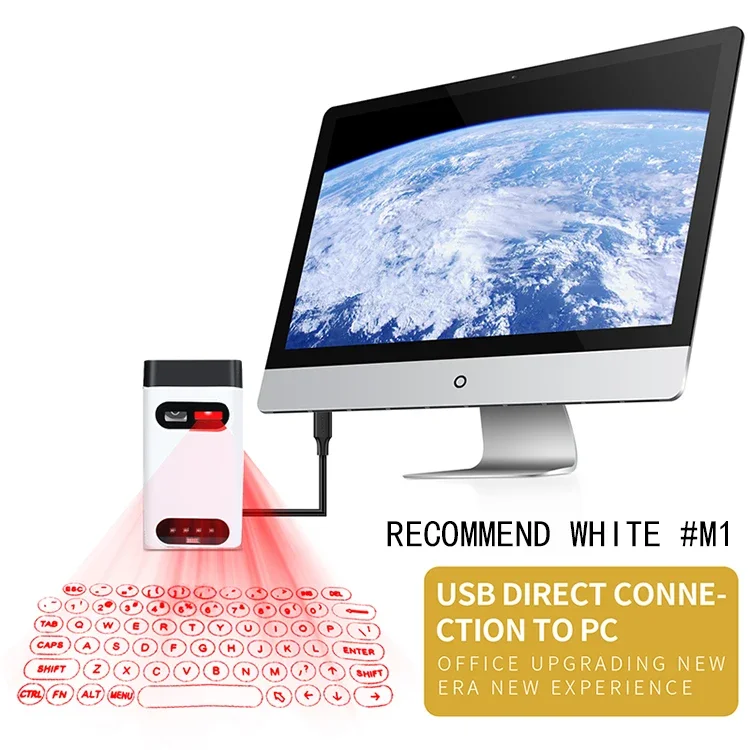
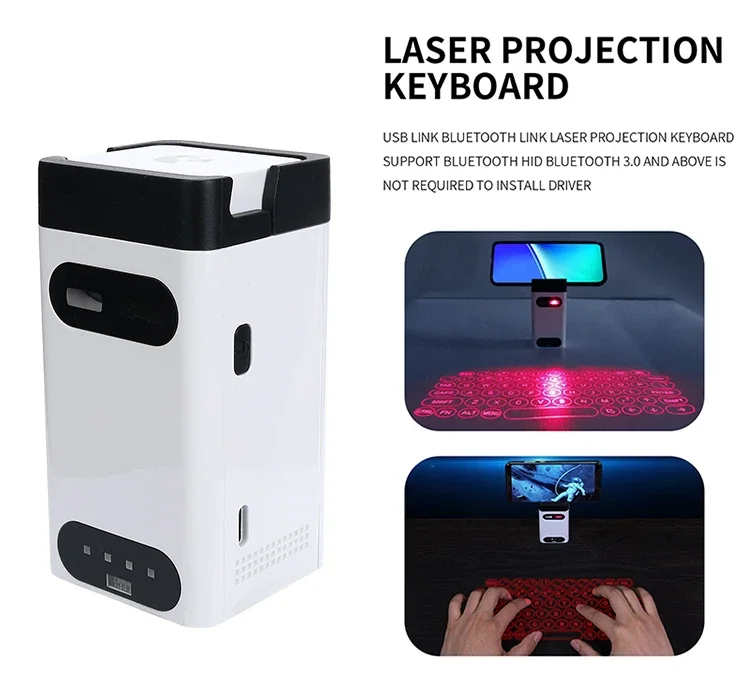
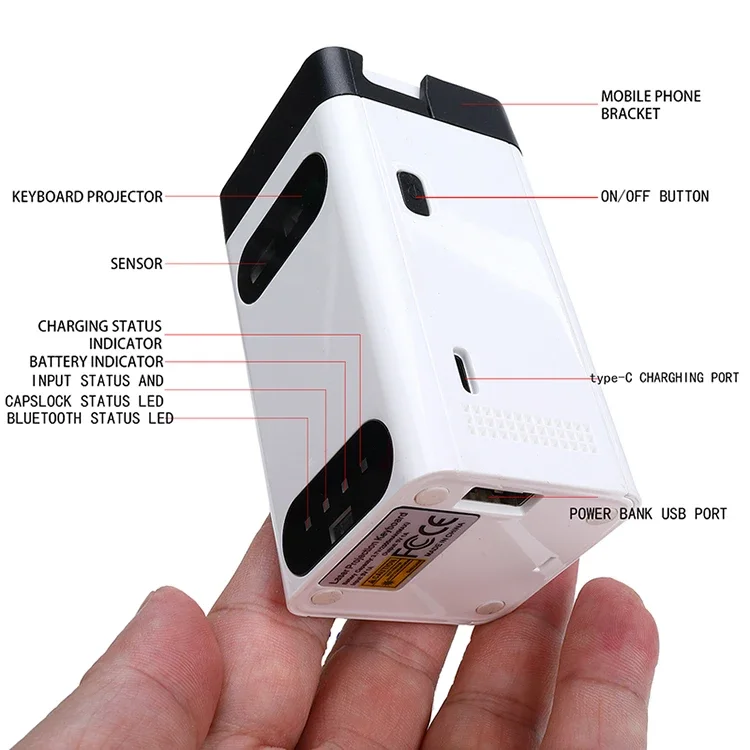
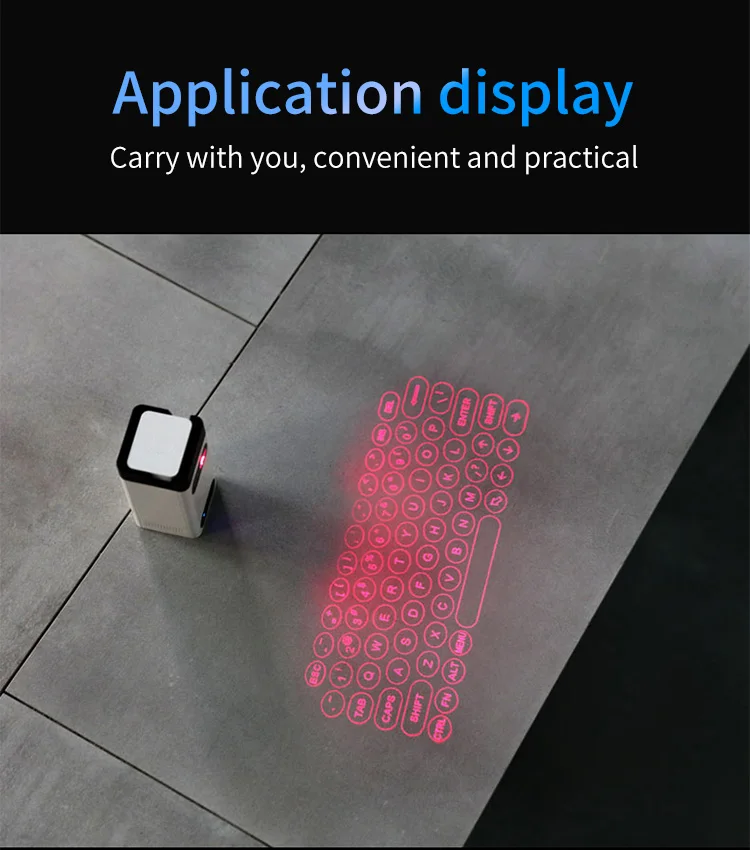
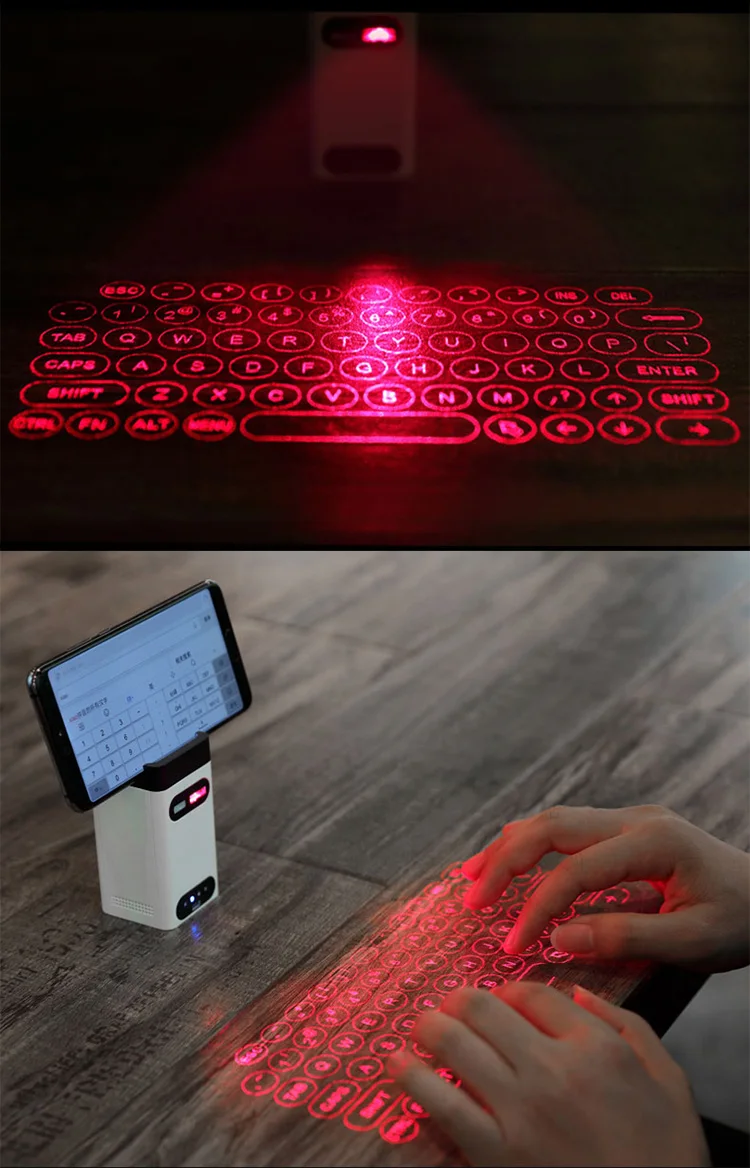
The black classic #KB560S and white upgrade #M1 (with bracket and mobile power function) , they are distinguished as follows. Please order
per your request.
Features:
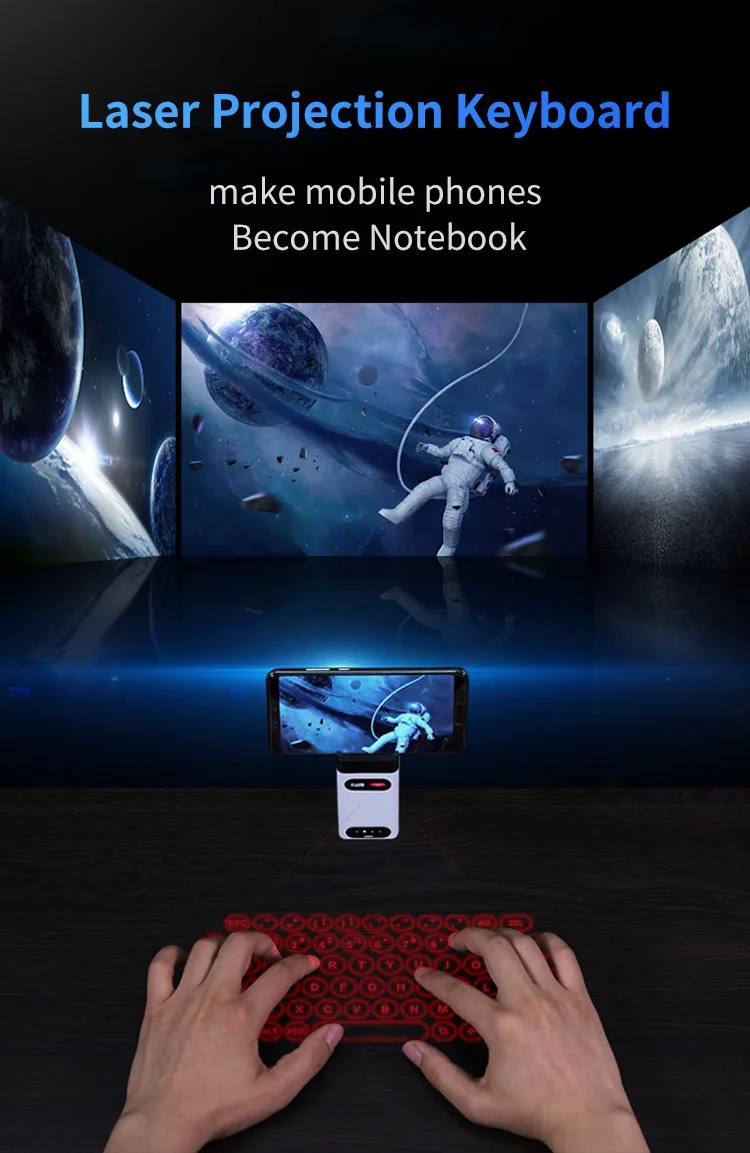
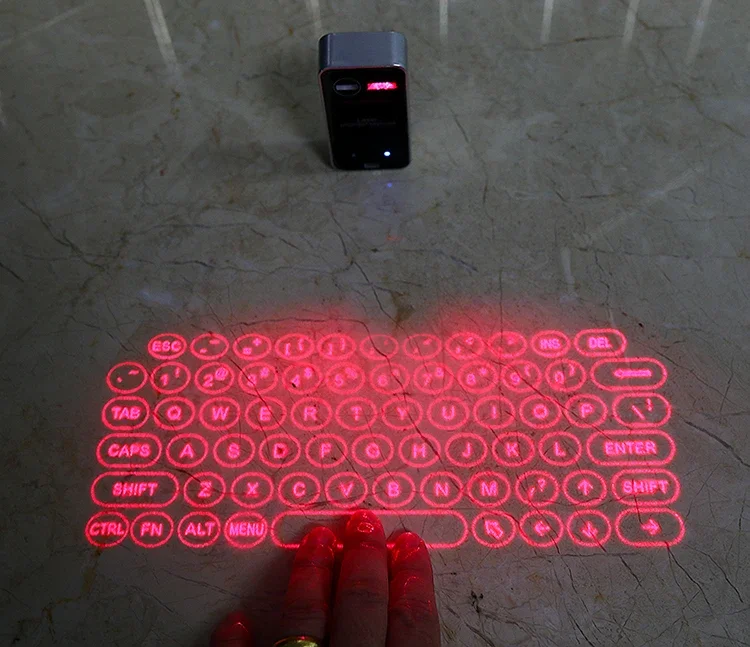
1. English QWERTY keyboard layout.works with all smart phones
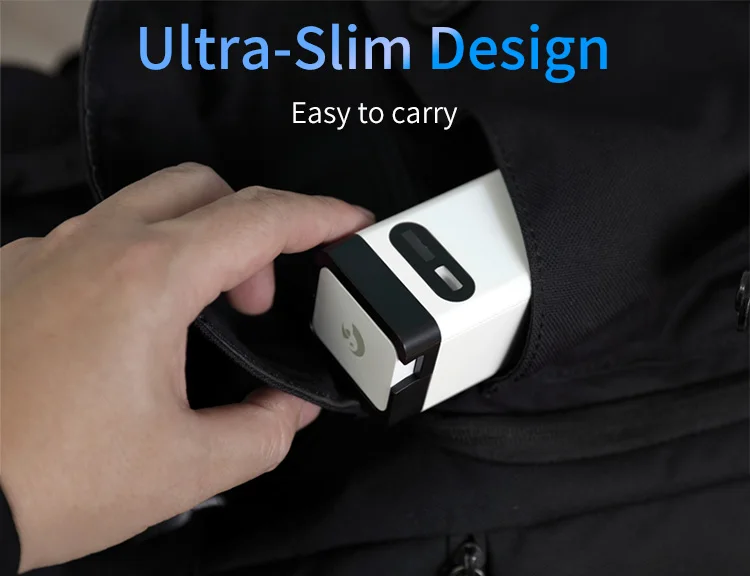
2. Truly portable design:perfect for on-the-go.
3. Built-in Lithium-ion Polymer rechargeable battery for mobility and convenience
4. Compatible with latest operating systems: for Windows Phone 7 & above, for iOS4 and above, for Android 2.1, and above
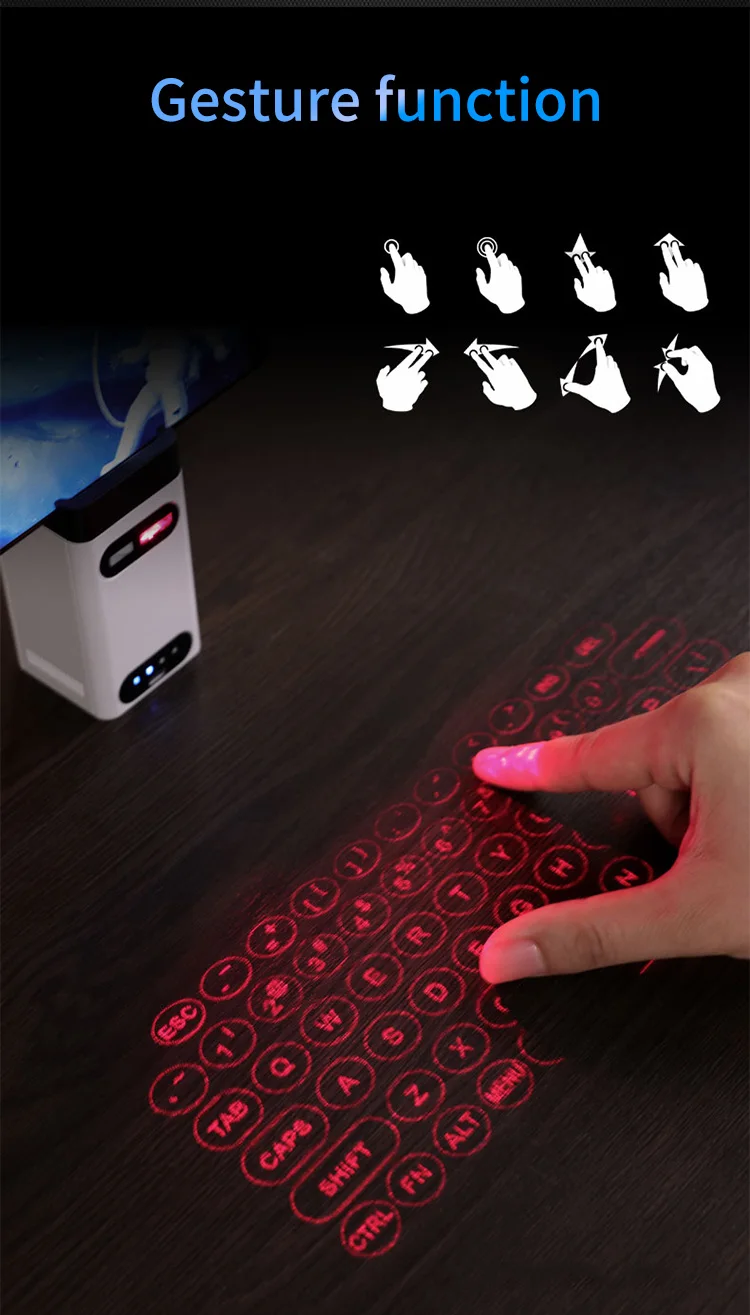
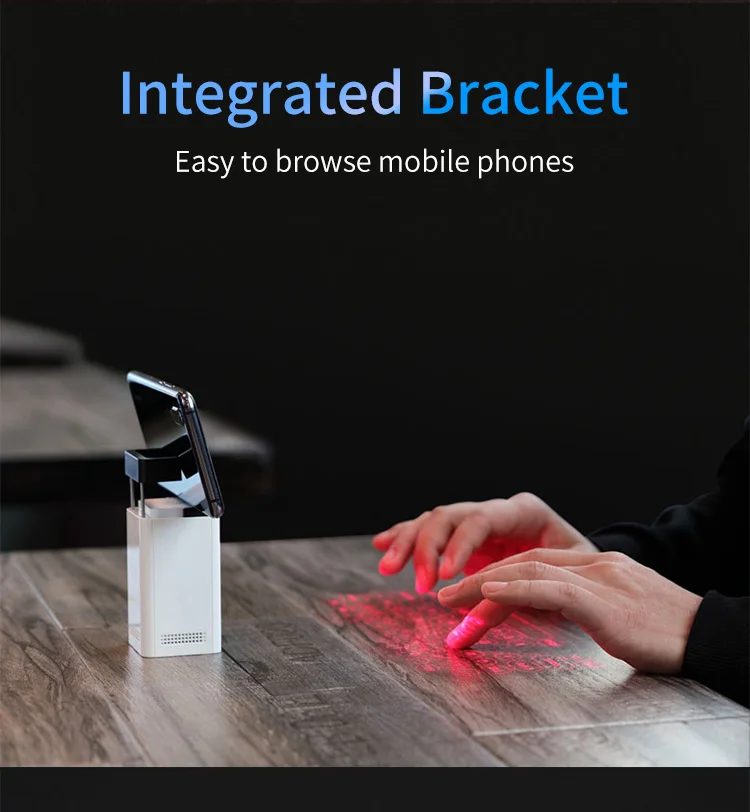
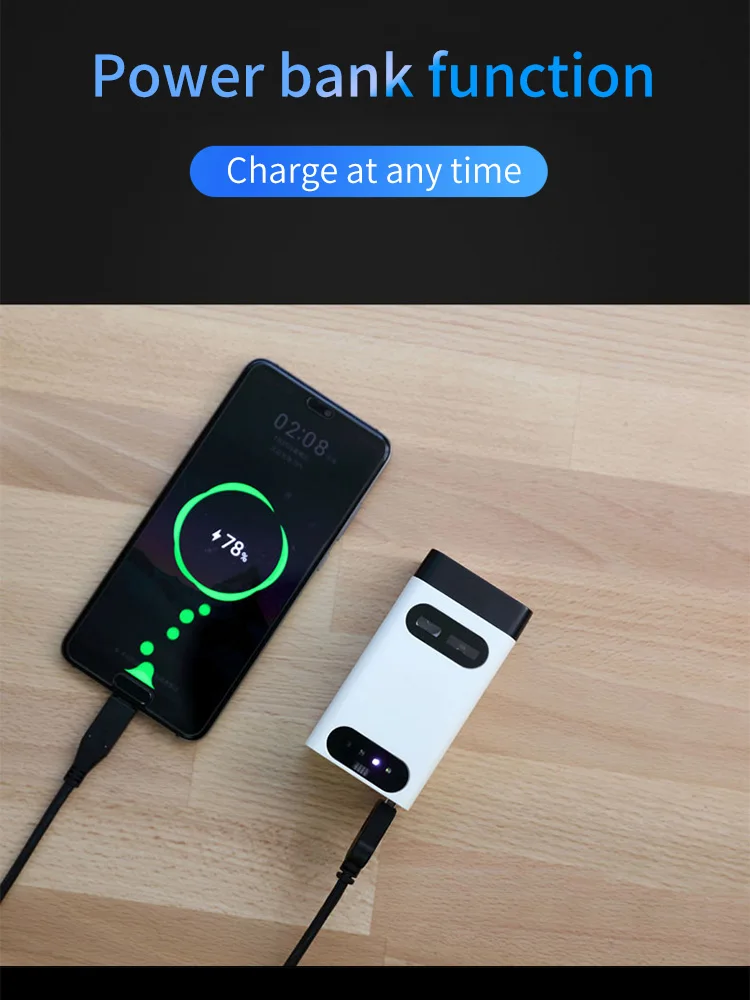
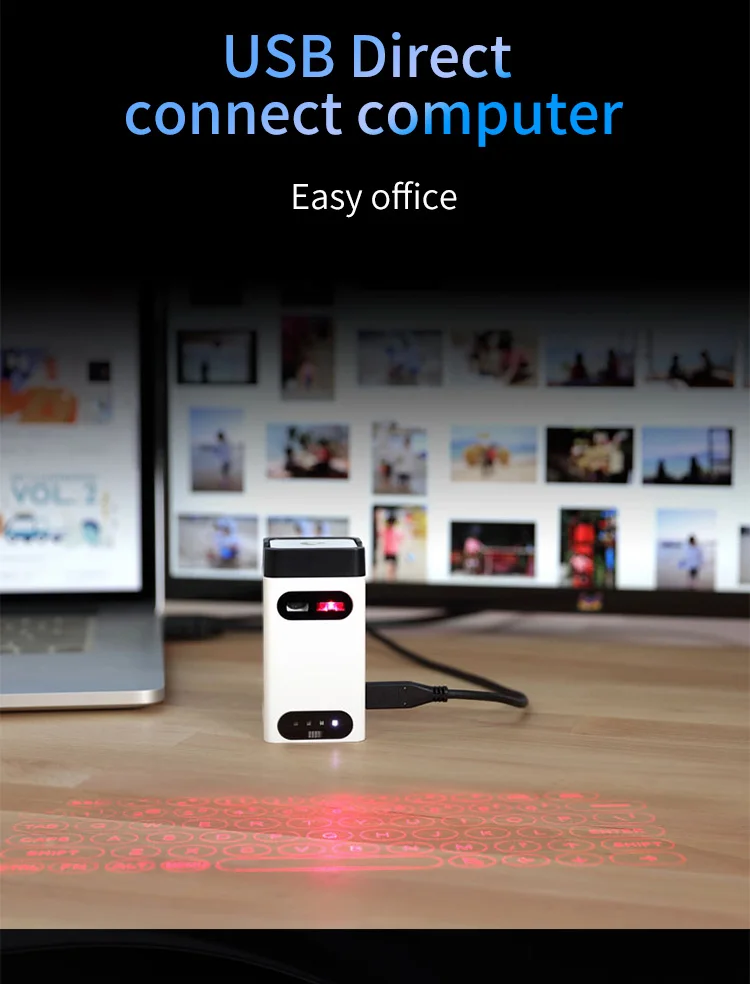
FAQ
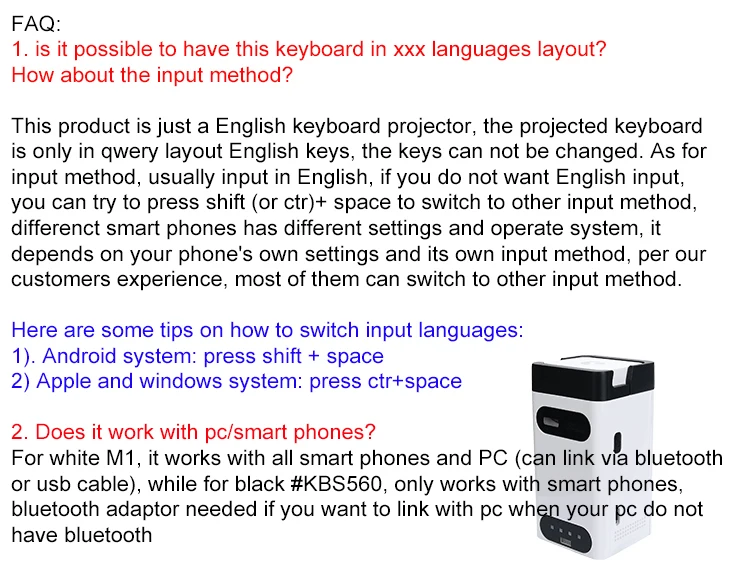
1. is it possible to have this keyboard in xxx languages layout? How about the input method?
This product is just a English keyboard projector, the projected keyboard is only in qwery layout English keys, the keys can not be changed. As for the input method, it depends on your phone input settings, For Example, if your phone is Arabic input in Arabian country, whey your type the virtual keyboard, it will show up the Arabic word. If your phone is Russia input in Russia country, whey your type the virtual keyboard, it will show up the Russia and so on.
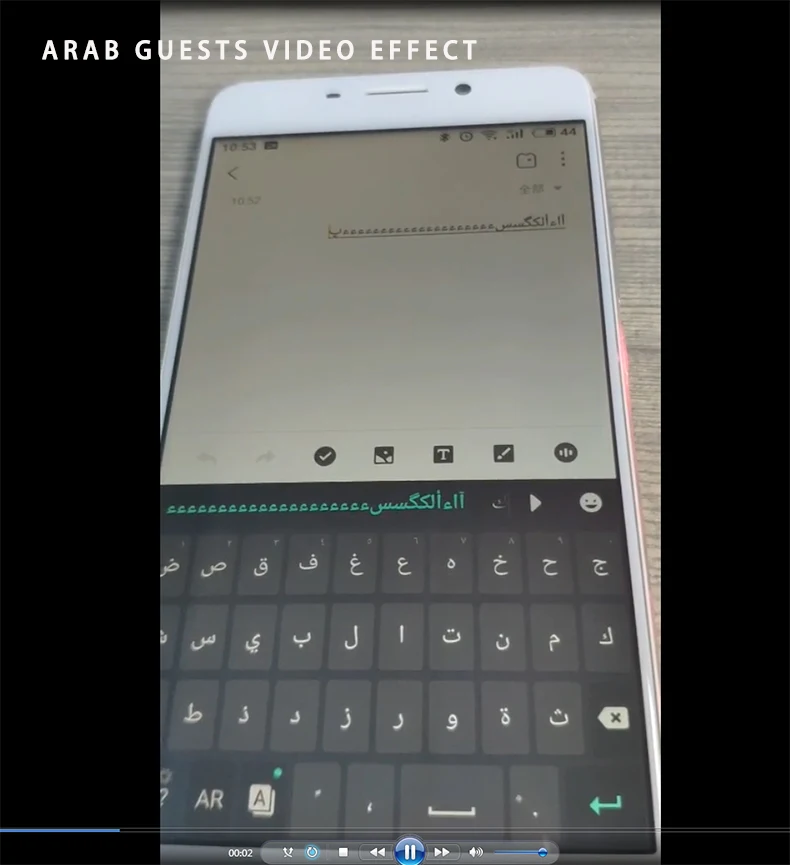
Usually the key input is in English, if you do not want English input, you can try to press shift (or ctr)+ space to switch to other input languages, we are not guarantee 100% can switch successfully as different smart phones have
different settings and operate system, it depends on your phone's own settings and its own input method, per our customers experience, most of them can switch to other languages. Here are some tips on how to switch input languages:
1). Android system: press shift + space
2) Apple and windows system: press ctr+space
2. Does it work with pc/tablet/smart phones?
Our products work with all smart phones as long as the smart phones have the b-1-u-e-t-o-o-t--h一 (namely bt), then the products can link with them. It can also link with PCs and tablets via b-1-u-e-t-o-o-t-h一adaptor, if your pc and tablet does not has the bt, need to buy the bluetooth adaptor separately
